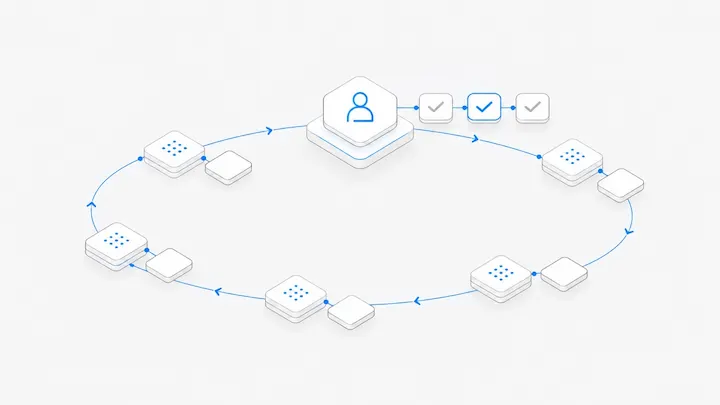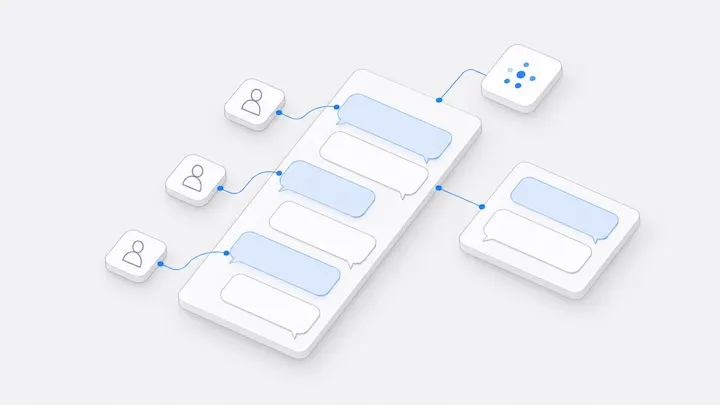


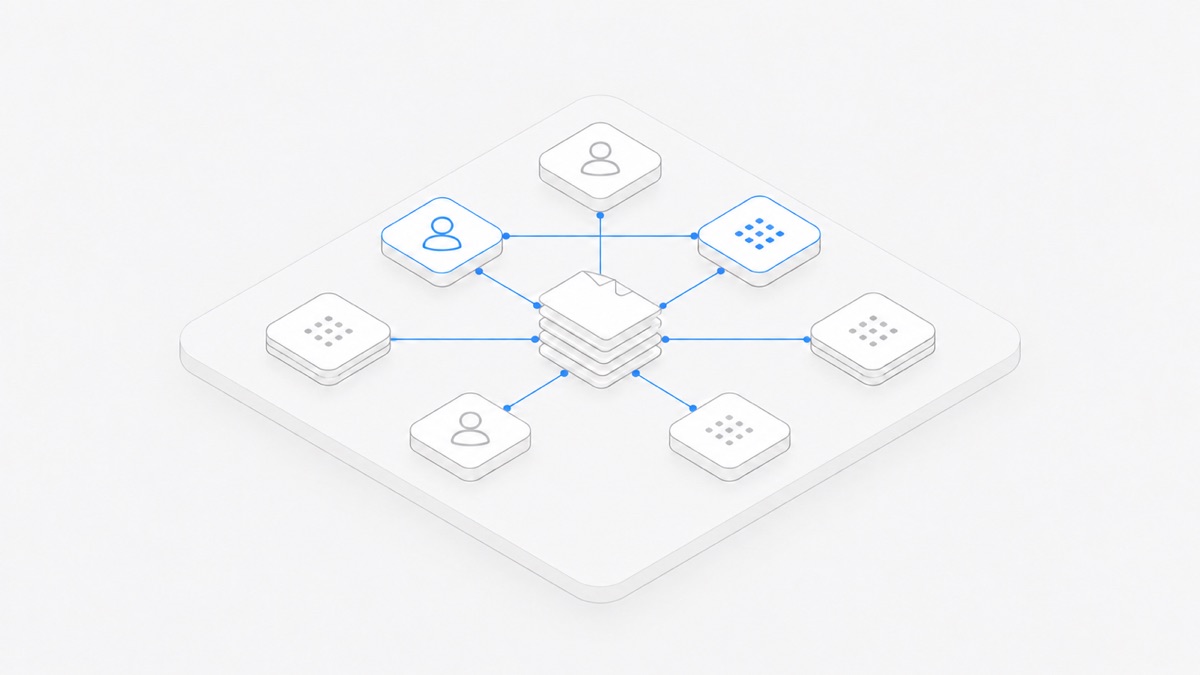
Multiplayer, multi-agent collaboration is a team and several AI agents working on the same project at once. One person writes the request, Claude Code changes the code, Codex reviews it, a teammate picks up the same conversation, and a person decides what ships. People and agents read the same files and the same record of progress.
The idea is getting attention because a single agent can now finish long tasks on its own, which moves the bottleneck somewhere else. In their Super-agent design notes (in Chinese), the DeepSeek Harness team observes that one person can usually follow only three to five active sessions, so multi-task work is capped by human attention. In a post on how Manus reorganized around its own product (in Chinese), hidecloud describes Manus engineers who routinely handle ten to twenty requests at the same time. How many tasks a person can keep up with depends on how the work is organized.
Running several agents alone vs. working as a team
One person, one agent, and a task that takes half an hour don't need any of this. As tasks and people multiply, progress hidden on individual laptops starts to cost you: approvals get missed and agents stall halfway, and a teammate who wants to help has to wait until you are free.
Six things a shared space needs
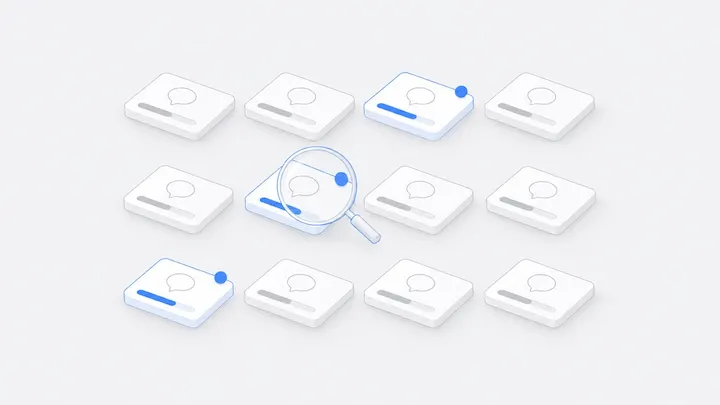
To see every conversation on one screen, use the dynamic view. It lays conversations out by group, marks the ones running, waiting for approval, or stuck, and can show who started what.
Ground rules matter more than features
A shared space makes progress visible. The split of work still comes from people. These rules hold up for most teams:
- One conversation, one job. Title it with the outcome, such as "Fix the 403 on the login page", so anyone can tell what it is doing at a glance.
- One conversation writes a given file at a time. A Workspace has a single current copy of each file. If two conversations change the same file, the later write replaces the earlier one. Nothing merges them for you.
- Discuss in the Discussion, execute in the conversation. Mention people and settle the approach there, then hand the relevant messages to the agent with one clear instruction.
- Write a handoff when the person or the agent changes. A new conversation does not know what was said in other conversations. State the goal, the files, what has been decided, and the next step.
- Make results checkable. Ask the agent which files it changed and which checks it ran. Open the files and the preview yourself before you use the result.
For a walkthrough, see Work together with people and agents. For splitting one codebase across Codex, Claude Code, and OpenCode, see a practical multi-agent coding workflow.
Who pays, and whose computer it is
Settle this before you invite people to send tasks:
- Models provided by Agent.Space are billed to the Workspace owner's plan or credits, whoever sends the message.
- Claude Code or Codex running on a member's computer uses that computer's login and subscription, and does not use Agent.Space credits. The owner of the computer decides whether only they can use it or other members can too.
- When the owner connects their own model API, the provider bills them directly. Members can use those models but can't see the key.
Details are in Models, usage, and who pays.
When you don't need it
If you work alone with one agent on tasks that finish in half an hour, Claude Code or Codex on its own is enough. If project files can't leave your machine, connect your own computer to the Workspace so the agent works in a local folder and the files stay where they are.
Start with a small project
- Create a Workspace and choose the cloud computer.
- Invite one teammate as an Editor.
- Open two conversations. In one, have Claude Code build a small page. In the other, have Codex review it without editing and write its suggestions to
review.md. - In the Discussion beside the first conversation, agree with your teammate on which suggestions to take, then hand them to the agent.
- The next morning, start with "Needs you": approvals, replies, and results to check.
As the number of people and conversations grows, read how to run many Claude Code and Codex sessions at once and how teammates share one agent conversation.
FAQ
Is this the same as a multi-agent framework?
They work at different levels. Multi-agent frameworks (subagents, agent teams) usually break one complex task apart, with a lead agent assigning pieces to helpers. Multiplayer, multi-agent collaboration covers the many tasks a team runs at once: several people and several agents moving forward in parallel, able to see and pick up each other's work. The two combine well, since an agent inside a conversation can still call subagents. DeepSeek's Super-agent design sits between them; see What is a Super-agent?
What happens if two agents edit the same file?
A Workspace has one current copy of each file, no private copies, and no automatic merge. The later write replaces the earlier one. Decide up front which files each conversation may change.
Can a teammate send tasks in my conversation?
Yes, if they are an Owner or an Editor. Viewers can read conversations and post in Discussions, but they can't send tasks or change files.
Do agents keep working after I shut my computer?
Agents on a cloud computer or a dedicated Mac don't depend on your machine. If the agent runs on your own computer, that computer has to stay on and online.
How many agents should a team run?
There is no fixed number. The real limit is how many results people can check. Start with two or three parallel conversations per person, watch how much piles up in "Needs you", and add more from there. For what people do in this kind of team, see how AI-native teams work.