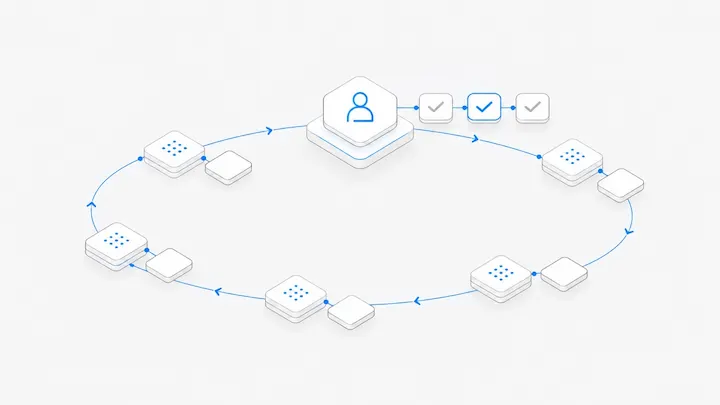


With your first Claude Code session, you watch every step. By the fourth or fifth, the questions change. Where did this one stop? Which command is that one waiting for you to approve? The third one just said it's done, but which files did it actually touch? In a recent architecture post (in Chinese), the DeepSeek Harness team notes that one person can usually follow only three to five active agent sessions.
Meanwhile, hidecloud of Manus writes (in Chinese) that Manus engineers routinely handle ten to twenty requests at once. Getting from five to twenty starts with knowing exactly where people fall behind.
Where it breaks down
Running many agents, people usually get stuck in four places:
- You can't hold every conversation's context in your head, so switching means rereading from the top.
- You don't know which conversation is waiting on you. An agent sits on a command that needs approval for half a day.
- Close the laptop or lose the network, and every local agent stops.
- Teammates can't see progress, so they have to ask you.
Common setups and their limits
A setup that holds up past a dozen conversations
- One conversation, one job, titled with the outcome. "Fix the login page 403" or "Rewrite pricing page copy" tells you what each conversation is for at a glance.
- Group by area of work. Front end, data, and copy each get a group. Look at groups first, then the conversations inside.
- Give every task acceptance criteria and a write scope. Tell the agent which files it may change, which checks to run, and where to put the result.
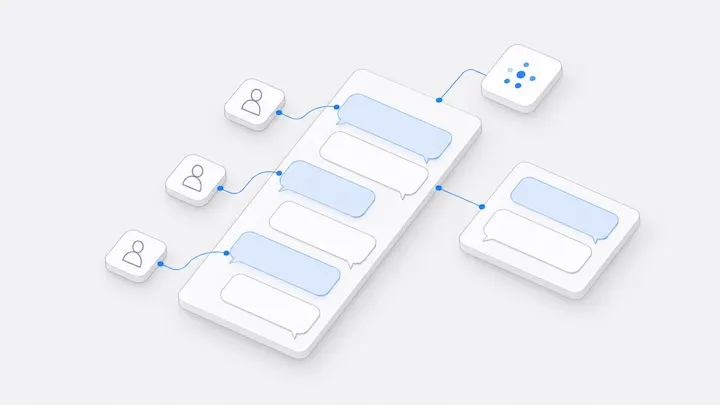
- Queue new instructions while a conversation is busy. A message sent mid-turn waits in the queue and goes out after the current turn, without interrupting it. Don't open a second conversation for the same job.
- Start each day with what's waiting on you. Approve, reply, and check results before you start anything new.
- Have a second agent review. When Claude Code finishes, open a conversation where Codex reviews without editing and writes its notes to a file. See how to have Codex review Claude Code's work.
- Run long tasks somewhere you don't have to babysit. Work on a cloud computer or a dedicated Mac doesn't care whether your laptop is open.
How to do it in Agent.Space
- When you start a conversation, pick an agent (Claude Code, Codex, OpenCode, Grok Build, or DeepSeek Harness) and a computer. Once a new conversation has a title, it files itself into a matching group.
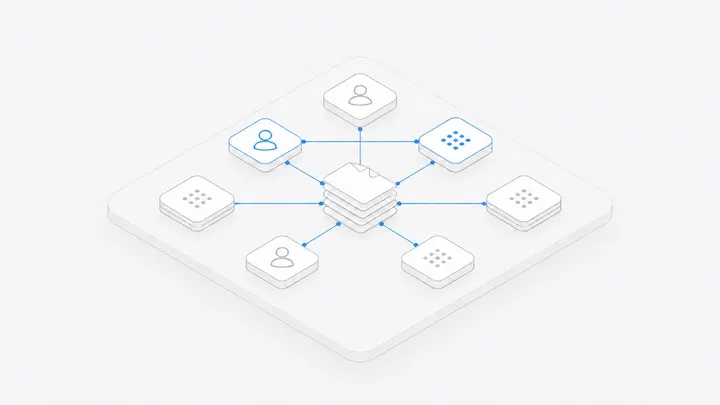
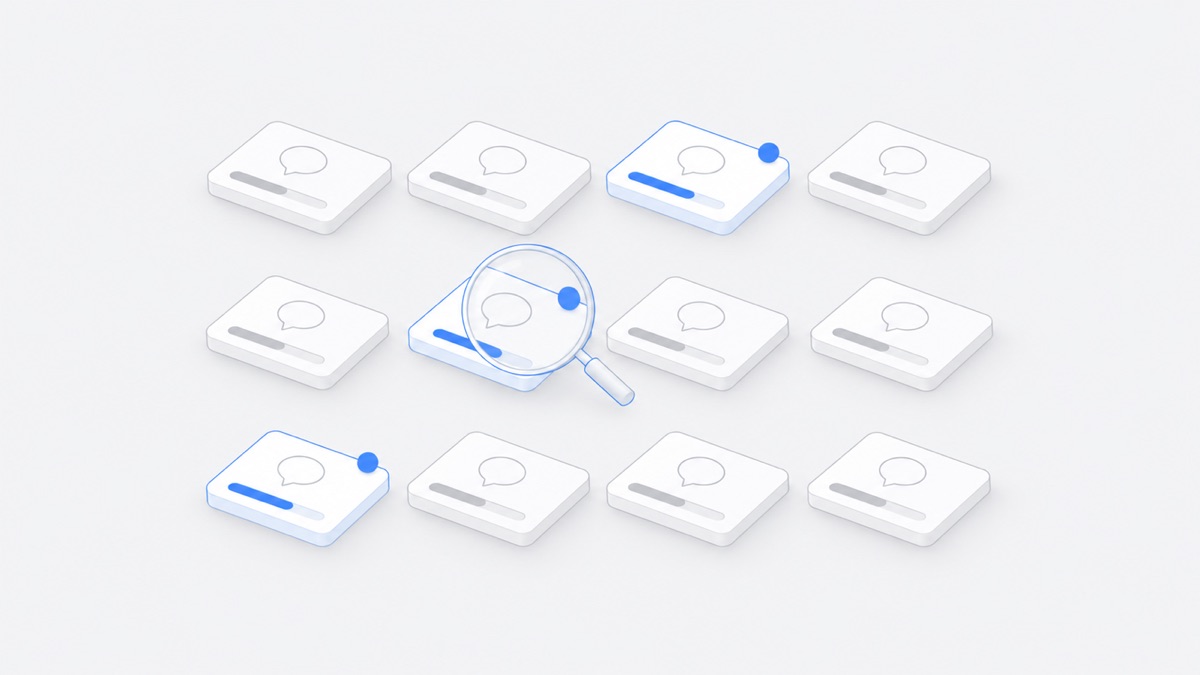
- Open the dynamic view. Map lays every conversation out by group and marks the ones running, waiting for approval, or stuck. Timeline shows the last 14 days of activity. People & Agents arranges conversations by who started them. The Running count at the top right tells you how many conversations are working right now.
- The blue number on the list tab counts conversations waiting on you: for your approval, for your reply, or with results you started and haven't seen. Click it to step through them one at a time.
- Messages sent while a conversation is busy join its queue, and you can reorder them.
- To use Claude Code and your subscription on your own computer, install the Mac or Windows app and connect the computer to the Workspace. For a Mac that stays online, see dedicated Mac.
Once your own parallel work is under control, bring teammates in. See What is multiplayer, multi-agent collaboration?
When not to run more agents
- Several tasks need to change the same files. Run them one after another, or split which files each conversation may write.
- You can't check the results quickly. More agents only grow the pile waiting for review.
- Your quota is tight. Every conversation uses the model, review conversations included, so set yourself a cap on parallel work.
FAQ
How many agents can one person run at once?
There's no fixed number; it depends on how fast you can check results. DeepSeek's observation is that without help from the system, people keep up with three to five. Once everything waiting on you is in one place and results land in files, you can add more step by step.
Does running more agents use more quota?
Yes. Each conversation uses the model separately, and a review by a second agent counts too. Claude Code or Codex on your own computer draws on that computer's subscription. Models provided by Agent.Space are billed to the Workspace owner's plan or credits.
Will several agents working on one repository conflict?
Within one Workspace, conversations work on the same files, and a later write replaces an earlier one. Either give each conversation its own set of files, or have each agent work on its own Git branch or worktree and let a person merge.