

In a post on reorganizing Manus around its own product (in Chinese), hidecloud describes an internal Manus feature: members of the same project can see each other's sessions by default and can ask to post in someone else's. An engineer does most of the work with the AI, then a product manager joins the same session to adjust spacing, styling, and copy, and the two take turns with the AI. He says the feature is internal-only for now and its permission design is still being worked out.
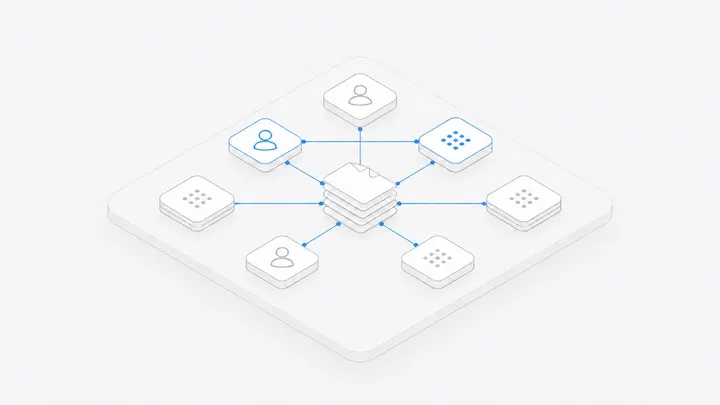
In Agent.Space this is how a Workspace works by default. Members can see the Workspace's conversations, and anyone with edit access can send tasks in any of them. Here is who can do what, what happens when several people send messages, and where relays tend to go wrong.
Who can do what
Nobody has to ask before joining someone else's conversation. If a person should only read and comment, make them a Viewer. Invitations and roles are covered in Work together with people and agents.
When several people send messages
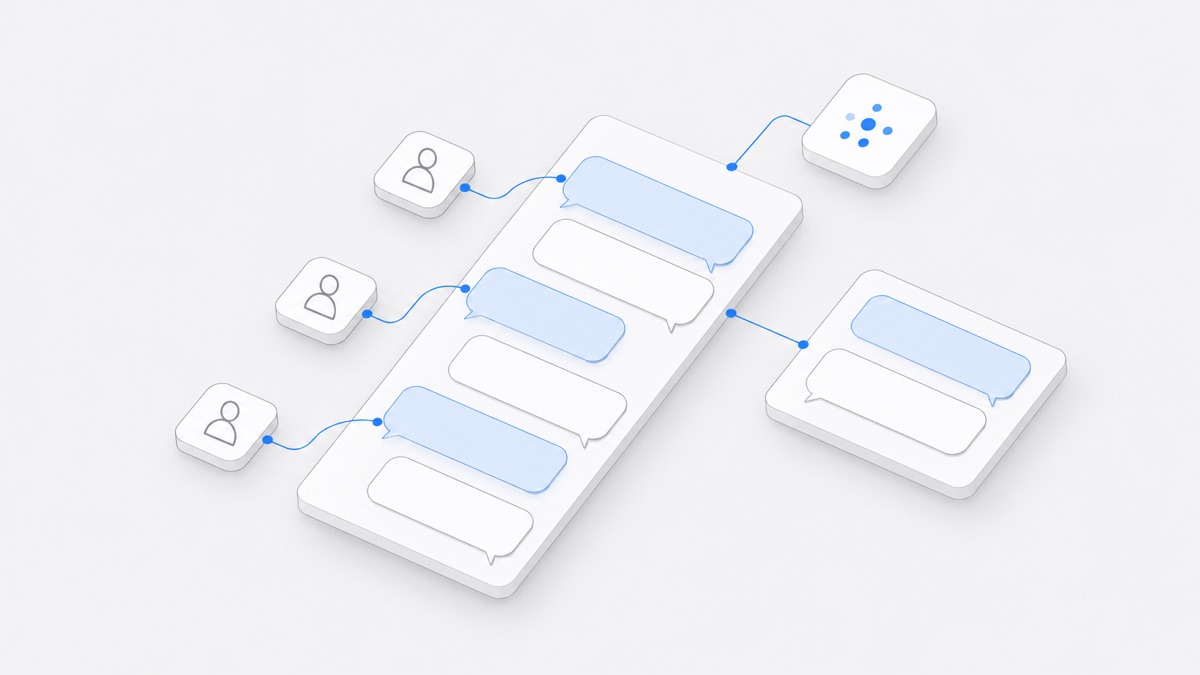
Every message carries its sender, so the agent can tell which member said what and answer the person who asked.
While the agent is working through a turn, messages from other members wait in a queue everyone can see. They don't enter the chat history yet. Members can reorder the queue, and once the current turn ends, queued messages go out in order.
Stop ends only the current turn; the next message in the queue then goes out. The person who started a turn approves the actions the agent wants to take in it, and the Owner can also stop it.
Discuss first, then hand it to the agent
Each conversation has a Discussion beside it. Members mention each other and leave opinions there. The agent doesn't reply to Discussion messages and doesn't change files because of them, and Viewers can post too.
Once you agree, a member with edit access selects the relevant messages in the Discussion and hands them to the agent. They are quoted into the message box, you add one clear instruction, and everything goes out together.
To pull a teammate in, mention them in the Discussion, or right-click the conversation on the dynamic view map and choose "Call everyone to look". Discussions from every conversation also show up in the Team discussion.
Three ways relays go wrong
Two people give opposite instructions
A asks the agent to make a button blue, and B immediately asks it to keep the old color. The agent follows the queue, so the result depends on who came last. Settle it in the Discussion, then have one person send it.
Two conversations edit the same file
A Workspace has one current copy of each file, no private copies, and no automatic merge. Give a file to one conversation at a time; have the other conversation review without editing and write its notes to a separate file.
The newcomer assumes the agent knows everything
Continuing in the same conversation, the agent sees everything said there before. A new conversation, or a different agent, doesn't automatically know what was said elsewhere. When you hand off, write down the goal, the files, what has been decided, and the next step. See how teams hand off coding agent work.
Who pays, and whose computer it is
- Models provided by Agent.Space are billed to the Workspace owner's plan or credits, whoever sends the message.
- When a conversation uses Claude Code on a member's computer, it uses that computer's login and subscription. The computer's owner decides whether only they can use it or other members can too. Whoever sends a task chooses its permission mode and answers its approval requests; the computer's owner cannot answer for them.
- A local Claude Code conversation can also be synced to the Workspace read-only, which lets teammates watch but not send. For teammates to send tasks, start the conversation from the web with the agent on that computer. See how to share a local Claude Code session.
A relay, step by step
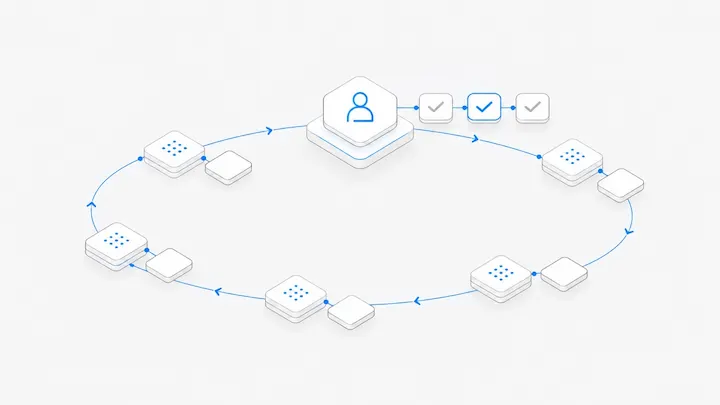
Say an engineer has Claude Code build a settings page in one conversation and gets the tests passing. The next day, a product manager opens the same conversation and writes: "Move the Notifications section to the top, change the button to 'Save settings', and don't touch the API." A designer leaves a note in the Discussion: "Make all the spacing 16." The product manager hands that note to the agent along with their own instruction. Finally, the engineer opens a new conversation where Codex reviews the change without editing and writes its notes to review.md, and the engineer decides what to act on.
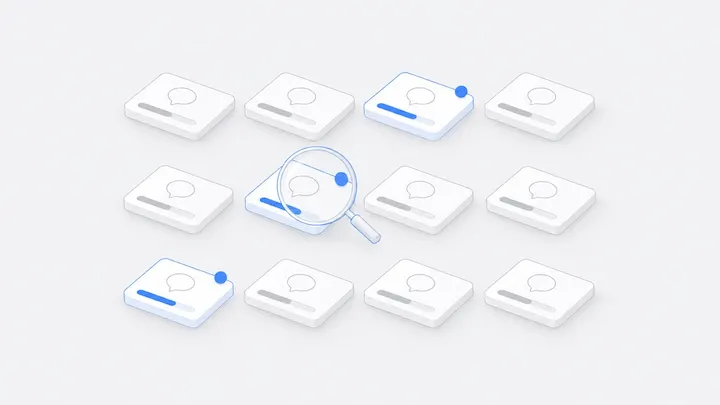
For one person juggling several conversations, see how to run many Claude Code and Codex sessions at once.
FAQ
Do teammates need my permission to send tasks in my conversation?
No. Owners and Editors can send tasks in any conversation in the Workspace. If someone shouldn't send tasks, give them the Viewer role.
Can several people send tasks to my local Claude Code conversation?
A local conversation synced read-only can only be watched. For teammates to send tasks from the web to Claude Code on your computer, open the computer to members first, by setting its “Chats & files” to Everyone in the app. Approval requests then go to whoever sends each task, not to you.
What if two people hit send at the same time?
If the agent is busy, both messages join the queue and go out in order, and members can reorder them. If the agent is idle, the first one starts right away and the second waits.
How is this different from Claude's own session sharing?
Claude's cloud session sharing is for viewing. According to Claude's docs, recipients see the latest state when they open the link, but the page doesn't update live. In an Agent.Space Workspace, members see a conversation update as the agent works, and anyone with edit access can keep sending tasks.