A short guide for beginners
You bring the idea. An Agent helps you build it.
No coding needed first. Build an invitation page and meet the new kind of helper that gets things done for you.
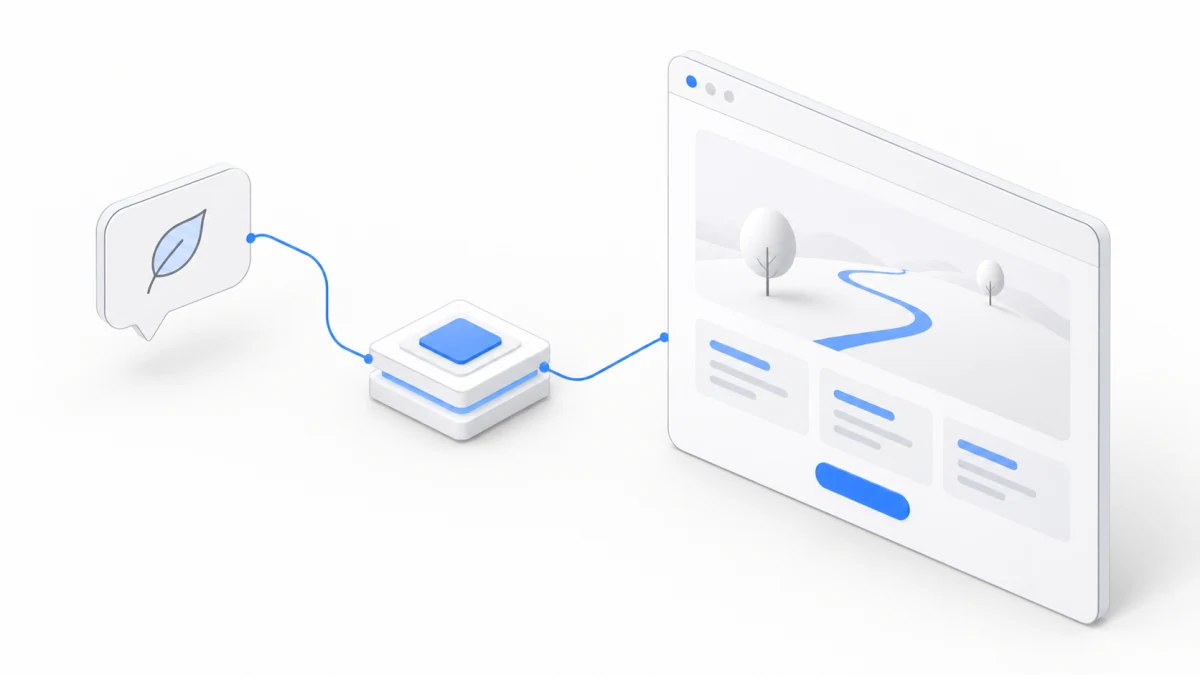
You want to get a few friends together for a weekend walk. The meeting time, the route, what to bring: you’ve posted it all in the group chat three times, and on Friday night someone still asks, “So what time tomorrow?”
That little headache is where we’ll start. We’ll make an invitation webpage that puts everything in one place. You don’t need to learn HTML first, but you’ll get to watch an Agent turn one sentence into a file, and that file into a page you can actually see.
Once it’s done, you can tell it, “Make the time stand out more, and keep the tone more casual.” That’s how your first project grows, one small change at a time.
Finally, you’ll bring in two friends to talk it over in the same Workspace, each asking an Agent to help edit the page or check for problems. In Chapter 8, this invitation page becomes a little project you finish together.
What we’re making
We’re building an invitation page for the fictional Weekend Walk Club. It introduces the event, spells out when and where to meet, maps out a route, and lists what to bring before you head out. There’s also a button that takes you straight to how to join.
The event and places in this example are practice material. The page doesn’t collect sign-ups, and you won’t need to connect any third-party accounts. Once it’s done, you can swap in your own book club, a dinner with friends, or the next event you actually want to host.
You call the shots, and you’ll understand the results
The Agent can write the code. Your job is to say what you want, take a look at the result, and point out what needs to change. We’ll explain the handful of new words as they come up.
You don’t need to sign in to read this tutorial. To follow along hands-on, you’ll need an Agent.Space account and an active plan or credits. New accounts usually come with a signup bonus; the product shows the exact details. It’s completely fine to read everything first and decide later when to start.
If you can’t wait to get going, skip ahead to Chapter 5. And if an unfamiliar word pops up along the way, the glossary is always there.
This time’s small project
Weekend Walk Club
An event invitation page that starts from one sentence and slowly becomes the page you want.
- Say what you want
- Open the page
- Make it better
- Keep going together
Sample event · No coding background needed
8 short chapters
Contents
Meet your new teammate
Learn the names, and what each one can do for you.
- Meet AI AgentsTell chatting apart from the way an Agent works, and see how tools, environments, memory, and Skills fit together.7 min
- Models and HarnessesKnow what a model, a Harness, and a tool each handle when you see them.5 min
- Codex and Claude CodeTell common product names from model names, and be ready to make your first choice.4 min
- Meet the cloud WorkspaceKnow where the Agent works, where your files live, and how to pick up next time.5 min
Make something small
Start from one sentence, build a webpage, then shape it the way you like.
Take your work further
Share it, invite friends to talk it over, and split the work across Agents.