You’re ready to have an Agent make the invitation page, but first the screen asks you to pick an Agent, and then a model. A minute ago you just wanted to plan a walk. Why does this suddenly feel like building a PC from parts?
Don’t worry. The two choices are about different things: “what understands the task” and “how the task gets carried out.” Once we take apart how one invitation page gets made, it’ll all make sense.
The model understands and generates
A model processes the information it’s given and generates what comes next, whether that’s content or a suggested action.
Say “this event is for people who don’t usually exercise,” and the model can adjust the copy so the invitation doesn’t read like a dare. Say “make the time stand out,” and it can generate page code to match.
Specific versions of GPT and Claude are model names. Different models can vary in ability, speed, and cost, and they may accept different kinds of input.
But when the model proposes “edit this file,” some piece of software still has to actually do it. Where the file is, which tools are available right now, and which actions need your OK first: something has to organize all that.
The Harness organizes the task
An Agent Harness is a layer of software that runs around the model. It’s an odd word for software (picture the harness that hitches a horse to a cart), but all you need to remember for now is what it does.
It hands your request and the relevant files to the model, tells it which tools are available, handles running those tools and asking for permission, then sends the results back so the task can continue. When a conversation gets long, deciding how to organize the context may be part of its job, too.
Imagine you say, “Move the meeting time from three to four.” The model needs to see the relevant content first, the edit needs to land in the right file, and the result needs to come back afterward. The Harness is what organizes that whole process.
That’s why the same model can feel different in different Harnesses and environments. Change the materials it can see, the tools, or the way things run, and the results can change, too. That doesn’t mean any Harness can make every model equally strong.
Tools are the part that actually does things
A tool can read a file, write changes, or run a check. The model proposes an action, the Harness runs the tool according to its rules, and the tool sends back a result.
Take the invitation page: a reading tool sees the old time, an editing tool writes in the new one, and a checking tool confirms the content meets the requirements. These actions have to happen somewhere that has files and can run programs, which is the Workspace we’ll get to later.
Splitting things up like this just makes them easier to understand; different products bundle these parts into different entry points. You don’t have to assemble each layer yourself before you can use an Agent.
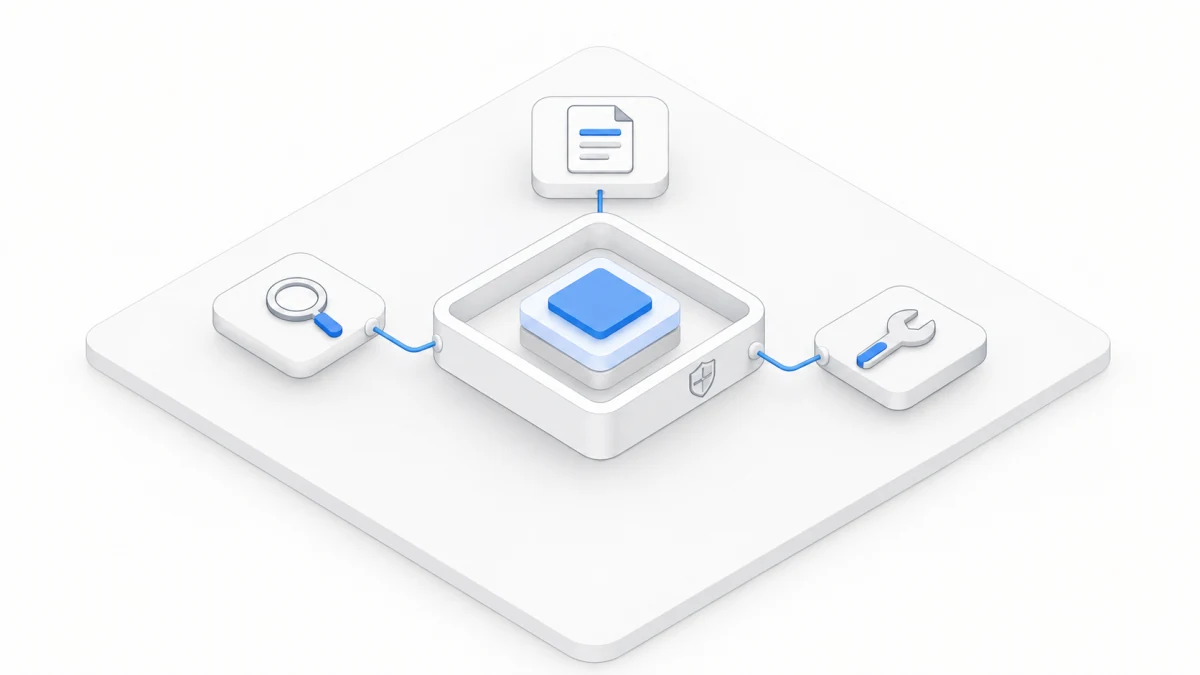
Just remember who sits where
An Agent, then, is the doer you’re working with when all these abilities come together around a goal. It isn’t some “bigger model” that has nothing to do with the model inside it.
When choosing, start with the task in front of you
For your first webpage, pick an Agent that’s available right now, then choose from the compatible models the screen offers. Not every Harness supports every model, and having enough usage left is a separate requirement.
If the result isn’t what you hoped, look at the specific problem first. If it didn’t read the event details, adding them may help more than switching models. If it can’t get to a tool it needs, check the environment. If it misunderstood you, try being more specific first.
For the technical details of Harnesses, OpenAI’s official write-up explains how tool execution, configuration, and ongoing conversations are organized. For a first read, being able to tell those four seats apart is plenty.