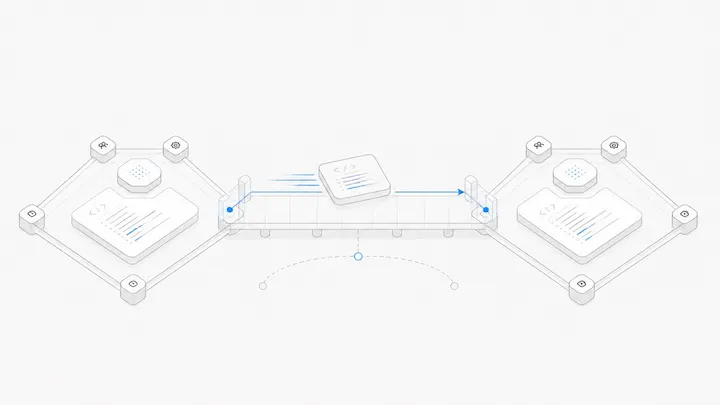



A cloud Mac region affects more than the distance between you and a computer. Your remote desktop connection is one path; the Mac's connections to repositories, package downloads and external services are other paths. A region that feels responsive on one path may not be best on another.
Choose a location by testing the work you will actually do. Do not treat a country name as a performance guarantee or as permission to use a restricted service.
Separate the two sides of the connection
When you move a window remotely, the interaction travels between your device and the Mac. When the Mac downloads a dependency, that transfer happens between the Mac and the dependency service.
MacStadium's data-center selection discussion identifies latency as a location consideration. Its examples do not establish a universal best region for your own network. Your access provider, routing and work pattern still matter.
Test a small, repeatable workflow
If a provider offers a suitable test or short rental, use the same non-sensitive project for each candidate. Otherwise, ask for available testing options before making a long commitment; do not assume a free trial exists.
- Connect using your intended device and normal network.
- Type, scroll and inspect the desktop.
- Download the same project dependencies.
- Run the same task and retrieve its output.
- Repeat at a time when you normally work.
Record interruptions as well as completion time. A fast download does not cancel out an unusable interactive session.
Match the test to the job
For continuous desktop work, delayed typing and scrolling matter throughout the day. For a scheduled build that you inspect afterward, setup, execution and artifact retrieval may matter more than desktop animation.
A simple decision sheet can have three columns: “remote interaction,” “task completed” and “result retrieved.” Mark what is acceptable before testing. Otherwise, it is easy to prefer a faster number that does not affect your work.
For Windows users planning iOS work, the remote Xcode readiness checklist adds toolchain and device-testing checks that a latency test cannot answer.
Check constraints before comparing speed
Confirm software-account eligibility, the provider's current availability and any data-location requirements relevant to your project. A nearby region can still be unsuitable for a contractual requirement. A remote machine also does not change a third-party service's terms or your account entitlement.
Availability and delivery time can change, so record the actual offer rather than relying on an old article's country list.
Choose a location you have evidence for
Use the remote Mac access guide to understand the access workflow, then compare the locations currently shown on Agent.Space's Mac page. Prefer the option that completes your real workflow reliably within your constraints. If you cannot test yet, label the choice provisional instead of claiming it will have the lowest latency.