


A self-hosted runner is a machine you operate to execute automated jobs. A rented Mac mini can be considered for macOS build work when you need control over the environment, but owning access to hardware is not the same as having a managed build service.
The decision depends on workload, maintenance and isolation. Start with one reproducible build before moving a team workflow onto a persistent machine.
Understand what you would operate
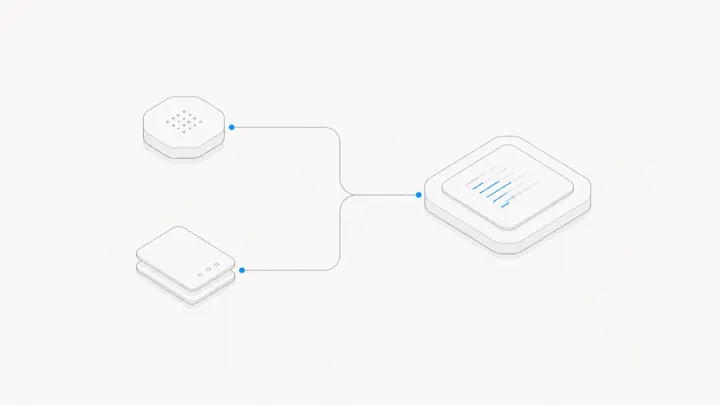
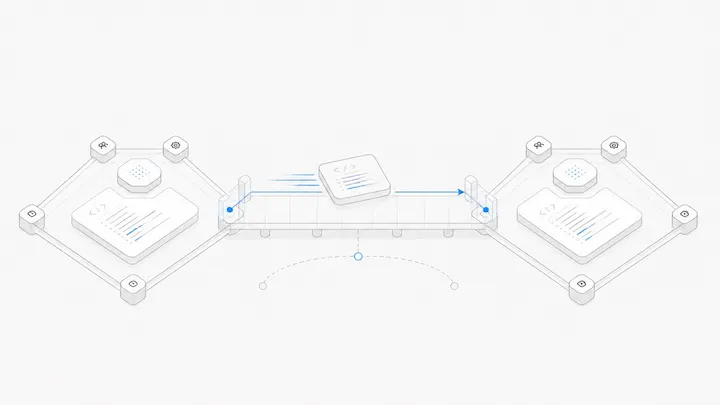
The runner application receives jobs; the Mac executes them with the installed tools and available permissions. GitHub's runner reference describes the connectivity and running-application requirements for GitHub Actions.
Someone still needs to maintain the operating system, dependencies, available disk space and runner configuration. Decide who will notice a failed job, who may restart the runner and how a replacement environment would be prepared.
Check workflow compatibility as well: GitHub documents that Docker container actions and service containers require Linux. Do not move a Linux-dependent workflow to macOS unchanged merely because both machines can run a runner.
Identify a reason to keep the environment
A persistent machine can be useful when repeated jobs depend on a controlled setup or reusable local resources. It can also accumulate old files and hidden state. A build that succeeds only because yesterday's output remains on disk is not reproducible.
Compare the actual calendar of jobs with a hosted runner option. Consider queue time, time spent maintaining the machine and the consequence of one machine being unavailable. Do not infer that a dedicated Mac supports unlimited simultaneous jobs. Start with one job and measure before adding concurrency.
Decide which code is allowed to run
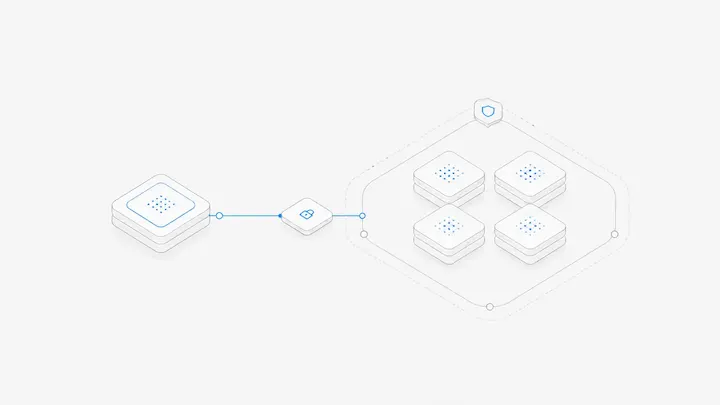
Running a job means allowing code to execute on the machine. GitHub warns about public-repository forks reaching self-hosted runners. Treat untrusted contributions and privileged release jobs as different trust levels.
Use a reviewed access and isolation design before handling production signing material or other sensitive resources. Do not make an everyday interactive workstation, with personal accounts and files, the default place to execute arbitrary external jobs. This article is a selection checklist, not a security configuration or a promise that one user account isolates every risk.
Verify a job and its recovery path
Try a non-sensitive build from a clean checkout. Record the tool versions, retrieve the artifact and inspect the logs. Repeat after removing only the test outputs you understand. Check that the build does not depend on undocumented manual changes.
Then test a controlled interruption: stop the runner between jobs, restore it and confirm that a new job is accepted. Record how you would rebuild the environment if the Mac were replaced. Do not interrupt a production job just to conduct this test.
Include backup and restoration of a rented Mac in the recovery plan, so replacement does not depend on the old machine remaining accessible.
Choose the operating model, then the machine
The dedicated Mac setup guide covers a related interactive workflow, not a managed CI promise. Check Agent.Space's current Mac offering if persistent hardware fits your requirements, and confirm the permissions your runner needs.
Choose a hosted build service instead when avoiding machine administration is more important than retaining the environment. The useful outcome is a reliable build process, not merely a permanently rented Mac.