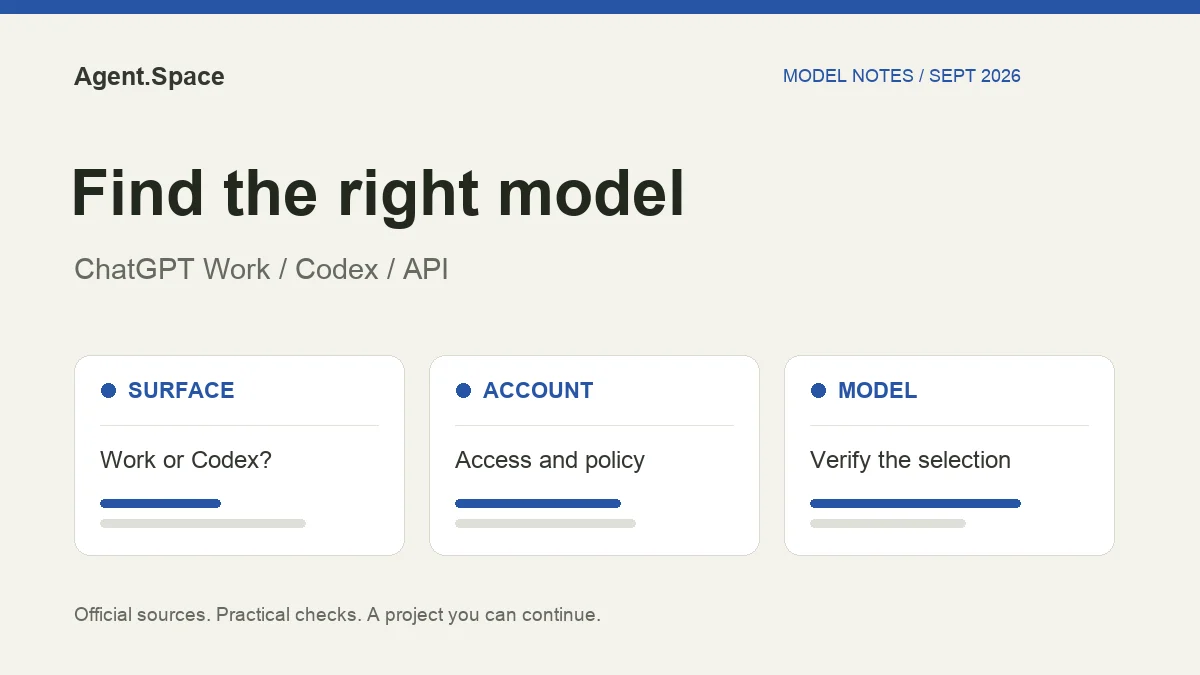
If GPT-6.1 Sol is missing from the normal ChatGPT Chat model picker, that alone does not establish a rollout failure. OpenAI's current model documentation places GPT-6.1 Sol, GPT-6 Sol, and GPT-6 Luna in Work and Codex, not Chat. Start by checking which surface you have open.
Verified September 29, 2026. This guide covers documented access conditions, not a guarantee about an individual account. A model announcement, a paid plan, and a selectable model are three different pieces of evidence.
Which model was released when?
The API changelog records GPT-6 Sol and Luna on September 22 and GPT-6.1 Sol on September 29. Do not treat access to last week's Sol as proof that the new 6.1 version is enabled. Likewise, an article written before September 29 may describe GPT-6 Sol accurately without covering the new rollout.
Use the GPT-6.1 Sol pricing and upgrade guide for API rates and protocol changes. This page focuses on locating and verifying the model in a working client.
Check the surface, account, and workspace in that order
The launch rules are version-specific. OpenAI documents GPT-6.1 Sol for Plus, Pro, Business, Enterprise, and Edu; Free and Go are excluded at launch. Enterprise and Edu administrators must enable it. Luna's earlier rollout has different eligibility. These conditions may change, so use the live model availability page when diagnosing access.
Do not buy a higher plan before establishing which check failed. A client that lacks the new catalog, a workspace policy, and a plan restriction require different fixes.
Select the exact model in Codex
In an eligible, supported CLI, you can start with:
Or choose a model through /model. OpenAI's CLI model documentation describes model selection. Confirm the selected model before evaluating the result, especially if you have saved defaults or a separately configured provider.
A selection is useful evidence about the requested model. It is not proof that every child task or provider response used the same ID. If that distinction matters, preserve the available request/response metadata and task notices, without publishing credentials. The model-routing verification guide explains the limits of each signal.
A subscription and the API answer different questions
When comparing access, write down the client, account, workspace, model ID, and who pays. This five-field note prevents an API test from being mistaken for a subscription test or a managed workspace from being mistaken for a native OpenAI account.
For example, a developer might use a ChatGPT plan in the desktop app and an API project in a server integration. The same person owns both, but the permissions, limits, model availability, and bills remain separate. See the Codex pricing guide before changing the payment route.
Pick a model for the task after access works
Our suggested starting point is a small task with a visible finish line: repair one reproduced bug, explain one code path, or update one document against supplied sources. Save the starting files and define what the output must pass before running it.
Record whether the result passed, how much correction it needed, and which usage meter changed. This produces a useful first comparison without pretending one run establishes a universal winner. For ongoing selection, use the model evaluation checklist.
Where Agent.Space fits
Agent.Space has its own supported harness/model combinations and commercial access. An OpenAI rollout does not automatically enable a model in Agent.Space, and an Agent.Space plan does not grant a native ChatGPT subscription.
If your goal is to continue a project across supported coding Agents with saved files and review artifacts, check Agent.Space model pricing and available Agents, then start a Workspace with one task. If your goal is a native Work feature, verify it in OpenAI's own surface first. The Workspace selection guide helps compare the execution environments.